
Accred Consult

Every client, project, and hour in one place.
Run client projects, support tickets, client portals, approvals, time, and billing from one client record.
Works with your AI assistantWhat works today
Client and project workspaces, tickets, client portals, document approvals, time, billing, and Teams alerts are live. Consult does not send automated client emails or run tenant discovery.
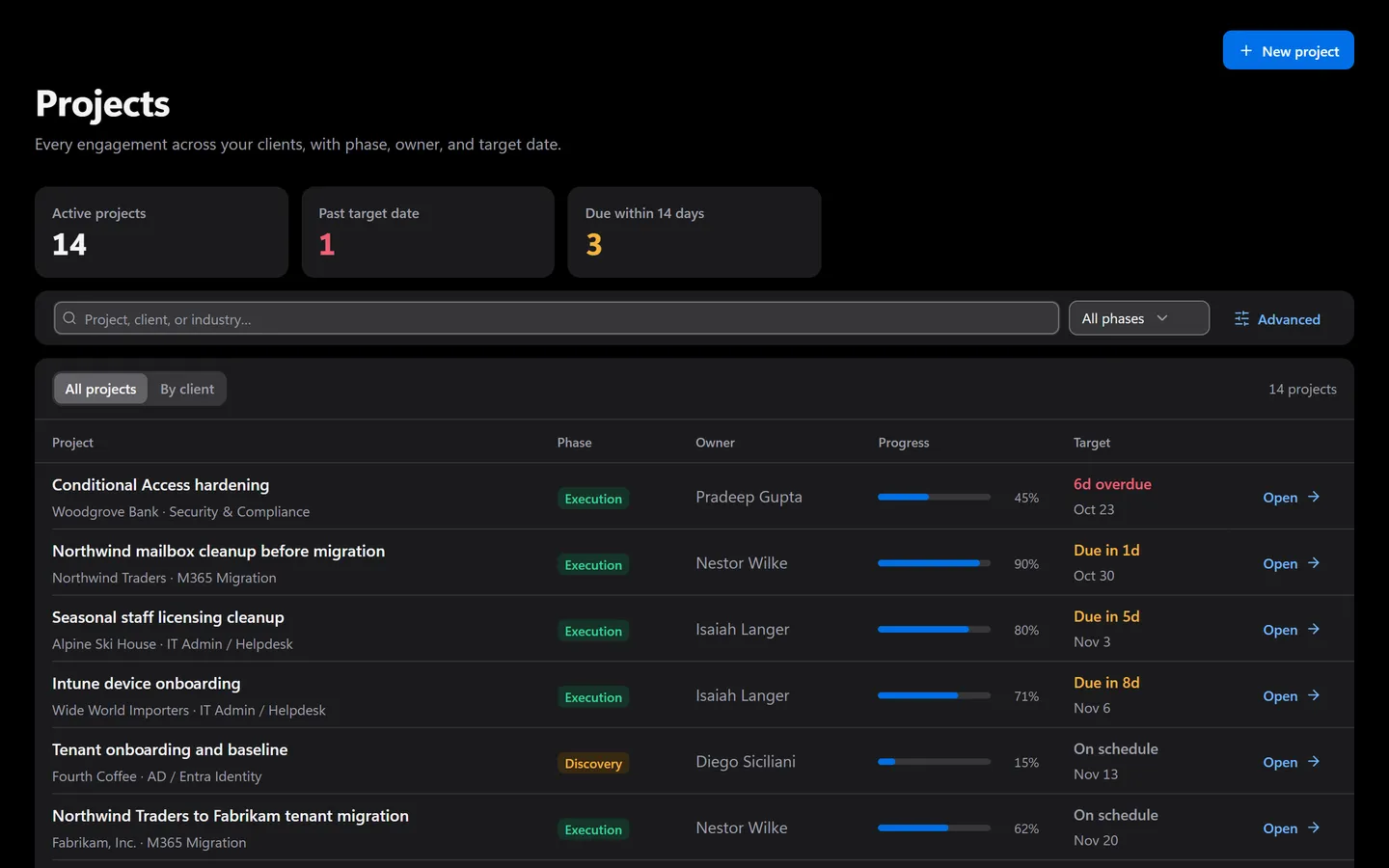
Prefer to click? It’s all in the app too.
Everything the assistant does has a screen. Shown with sample data.
- Phase, owner, and progress per project
- Overdue and due-soon dates flagged
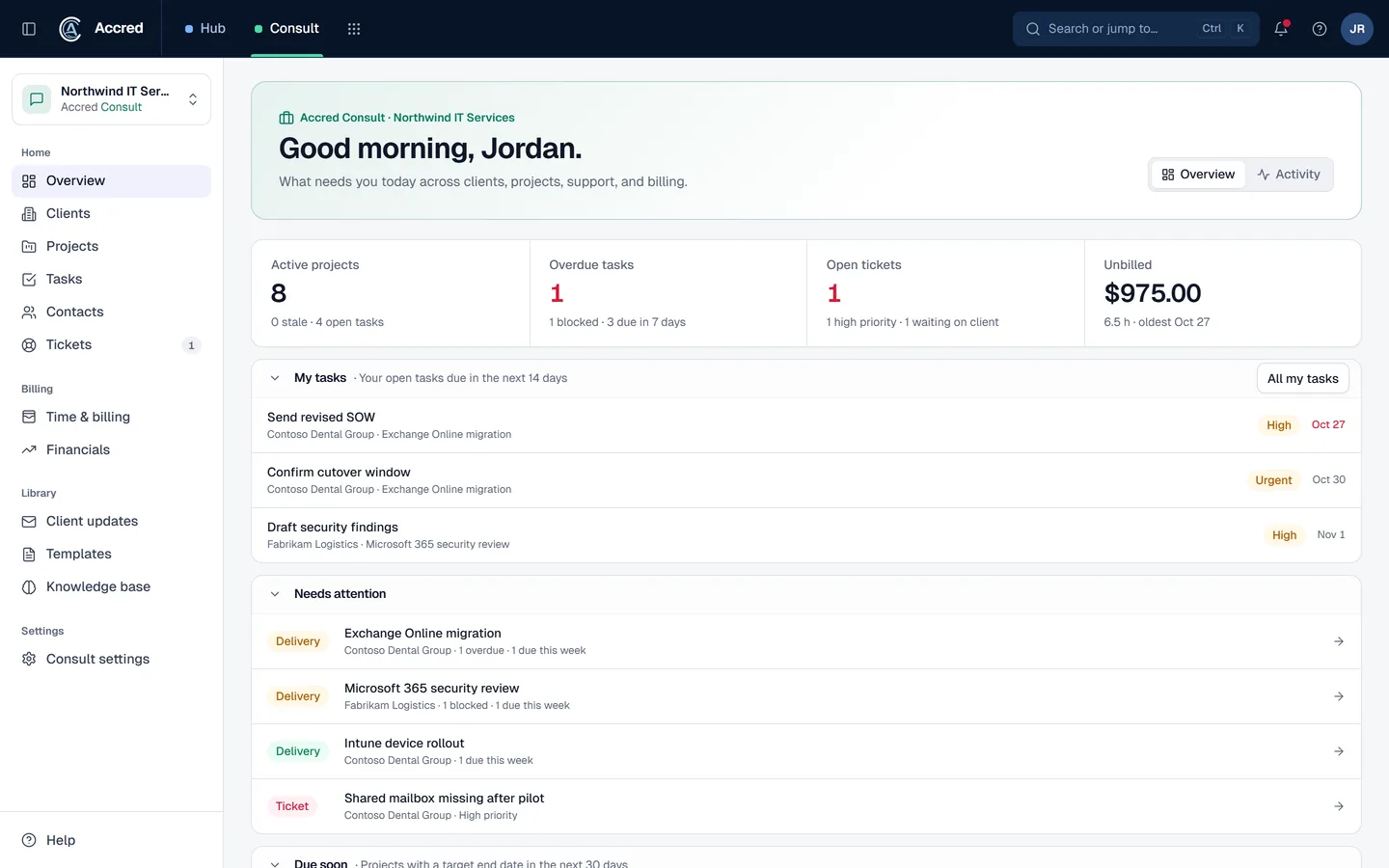
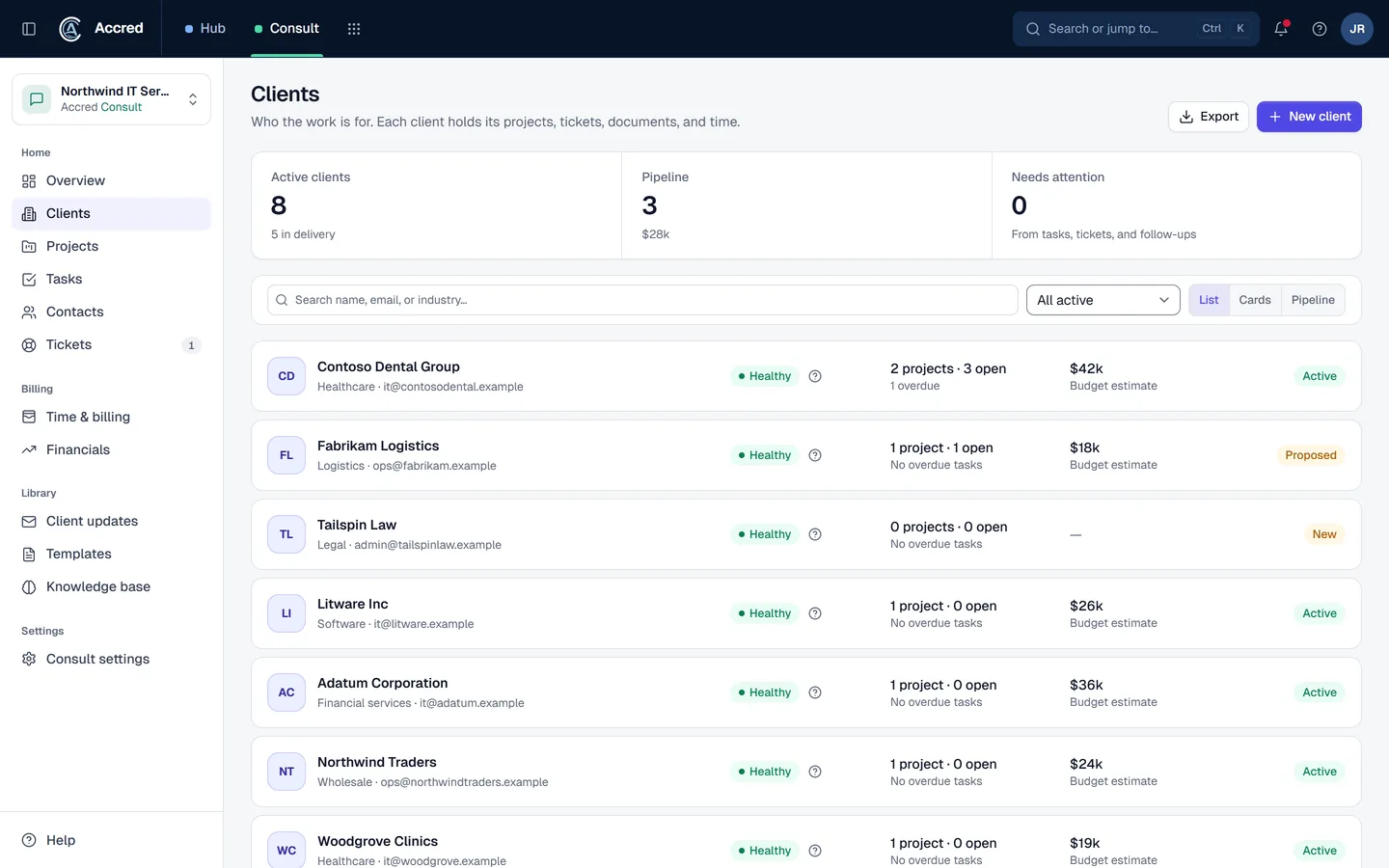
What Consult does today.
Client and project workspaces
Manage client records, contacts, projects, phases, tasks, notes, documents, and delivery artifacts.
Tickets and client portal
Triage support tickets, preserve message history, and issue client-scoped portal links for visible support work.
Communication planning and Teams alerts
Keep communication plans and client activity together and send organization-configured Microsoft Teams alerts.
Time, approvals, and billing
Capture project or ticket labor and move delivery and commercial checkpoints through governed workflows.
Let the agent do it. You stay in charge.
Log time, update a project, or ask what is unbilled, in plain language. Every change lands in Consult as you, via your assistant.
- You
Log 2 hours on Contoso’s Intune rollout for today. What is unbilled this month?
- Found the projectContoso · Intune rollout
- Proposed changeLog 2 h to Contoso · Intune rollout, todayYou said yes
- Logged timeTime entry logged
- Totaled unbilled timeUnbilled time by client
- Assistant
Logged 2 hours. Here is this month’s unbilled time by client.
- Ask
- Investigate
- Approve
- Done and logged
Consult audit log
- Time entry logged by you, via your assistant
An example with sample data.
Safe to hand over. Your rules, your access, your log.
Security- Your access, nothing moreYour assistant can do what your account can do. Hub checks your role on every request.
- A yes before changesYou choose Read only, or Read and make changes, when you connect. Changes check with you first.
- Logged as youEvery change is recorded in the app’s audit log as made by you, via your assistant.
- Microsoft consent firstNothing connects to a tenant until an administrator grants Microsoft consent.
Questions about Consult
What is Accred Consult?
Consult is the people-and-project operating system for Microsoft 365 consulting teams.
- Its client and project workspaces, support queue and portal, document approvals, time, and billing workflows are live, and each organization can route alerts to its own Microsoft Teams channel.
Who is Accred Consult for?
Choose Consult when you are delivering client work or running the support, communication, approval, and time workflows around it.
- Built for: Consultants, Project managers, Support coordinators.
What is the current availability of Accred Consult?
Client and project workspaces, tickets, client portals, document approvals, time, billing, and Teams alerts are live.
- Consult does not send automated client emails or run tenant discovery.
How much does Accred Consult cost?
Paid per seat (a named person): $15 per seat per month, $12 from seat 11, or $12 per seat per month billed annually, $9.60 from seat 11 ($144 and $115.20 per seat per year).
- Or Consult + Connect at $29.99 per seat per month ($26.99 from seat 11), adding Take control, Shadow, and AI assist for technicians.
- The card limit is 100 seats.
- Pay by card in Hub up to the card limit; above it, or to pay by invoice, request a quote in Hub.
- The 30-day free trial, with up to 25 seats and no card, starts as soon as an Owner or Admin turns the app on in Hub.
How do I get started with Accred Consult?
Create your organization in Hub, or sign in if your team already has one.
- Hub then opens the Consult workspace for your organization.
How does Consult fit with the other Accred apps?
Consult owns client delivery and service operations, including the support queue, client support portal, communication records, and time capture.
- Hub governs access; Migrate owns migration control; Connect owns device enrollment and inventory.
Further reading
Every guide- Accred Consult, ConnectWise PSA, HaloPSA, and Autotask comparedFull MSP PSA platforms compared with Accred Consult, the client delivery app for Microsoft 365 consulting firms: scope, published pricing, and fit.
- Microsoft 365 software for MSPsWhich MSP jobs Accred covers today, from client delivery and migrations to tenant administration, backup, and licensing, and what is not there yet.
- Software for Microsoft 365 consulting firmsRun client projects, support tickets, client portals, approvals, time, and billing in Accred Consult, with migrations and readiness work in the same suite.
- Accred documentationQuick starts for Hub and all ten Accred apps: create your organization, then set up each app. Plus roles, seats, access, and help.
What Consult costs.
$15per seat per month
Paid per seat (a named person): $15 per seat per month, $12 from seat 11, or $12 per seat per month billed annually, $9.60 from seat 11 ($144 and $115.20 per seat per year). Or Consult + Connect at $29.99 per seat per month ($26.99 from seat 11), adding Take control, Shadow, and AI assist for technicians. The card limit is 100 seats. Pay by card in Hub up to the card limit; above it, or to pay by invoice, request a quote in Hub. The 30-day free trial, with up to 25 seats and no card, starts as soon as an Owner or Admin turns the app on in Hub.